
A quick peek
How it works. Three short steps.
-
Pic a flower
Camera or your photos.
-
Arrange a posy
Pick a vase if you want.
-
Export or send
Phone, Posy, or Wide. Optional AI.
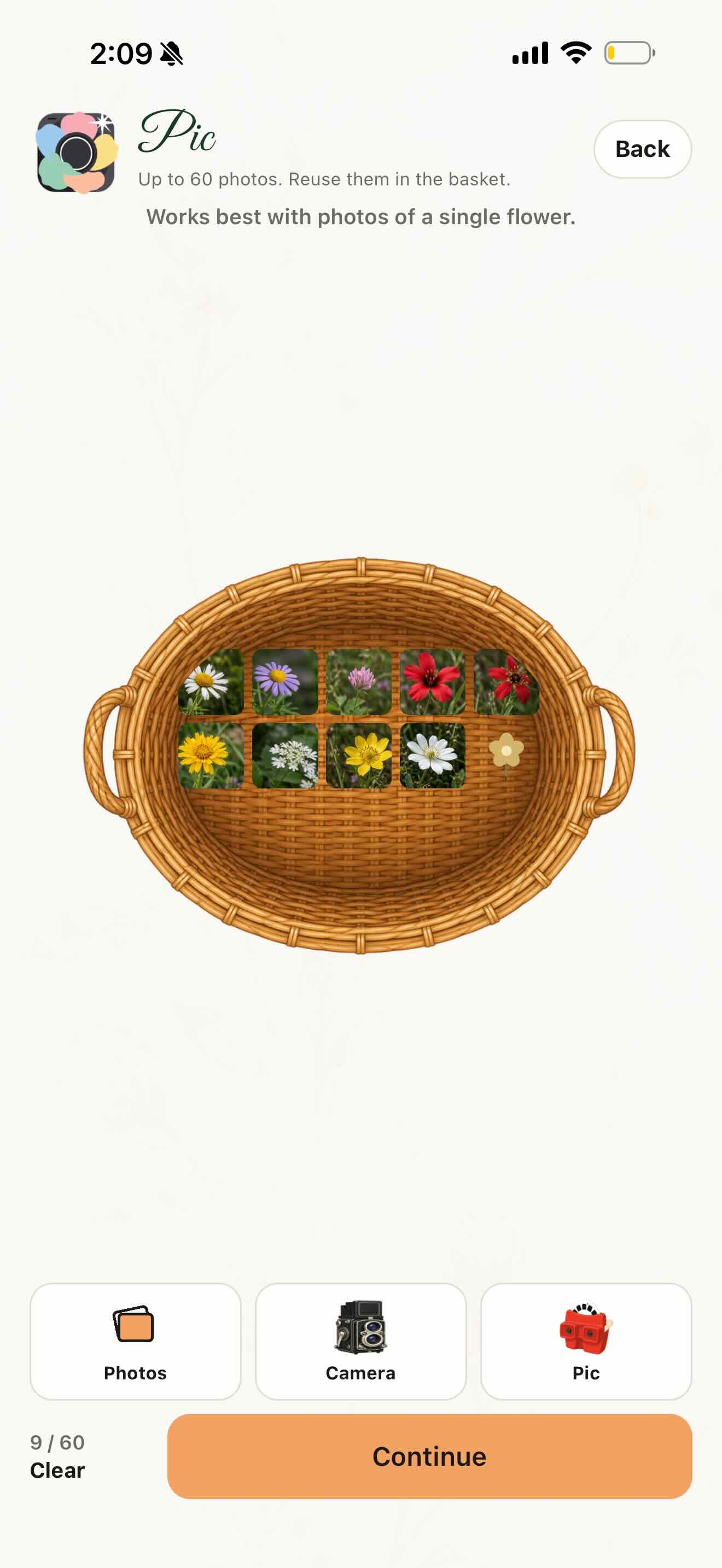
Pic a flower
Camera or your photos.
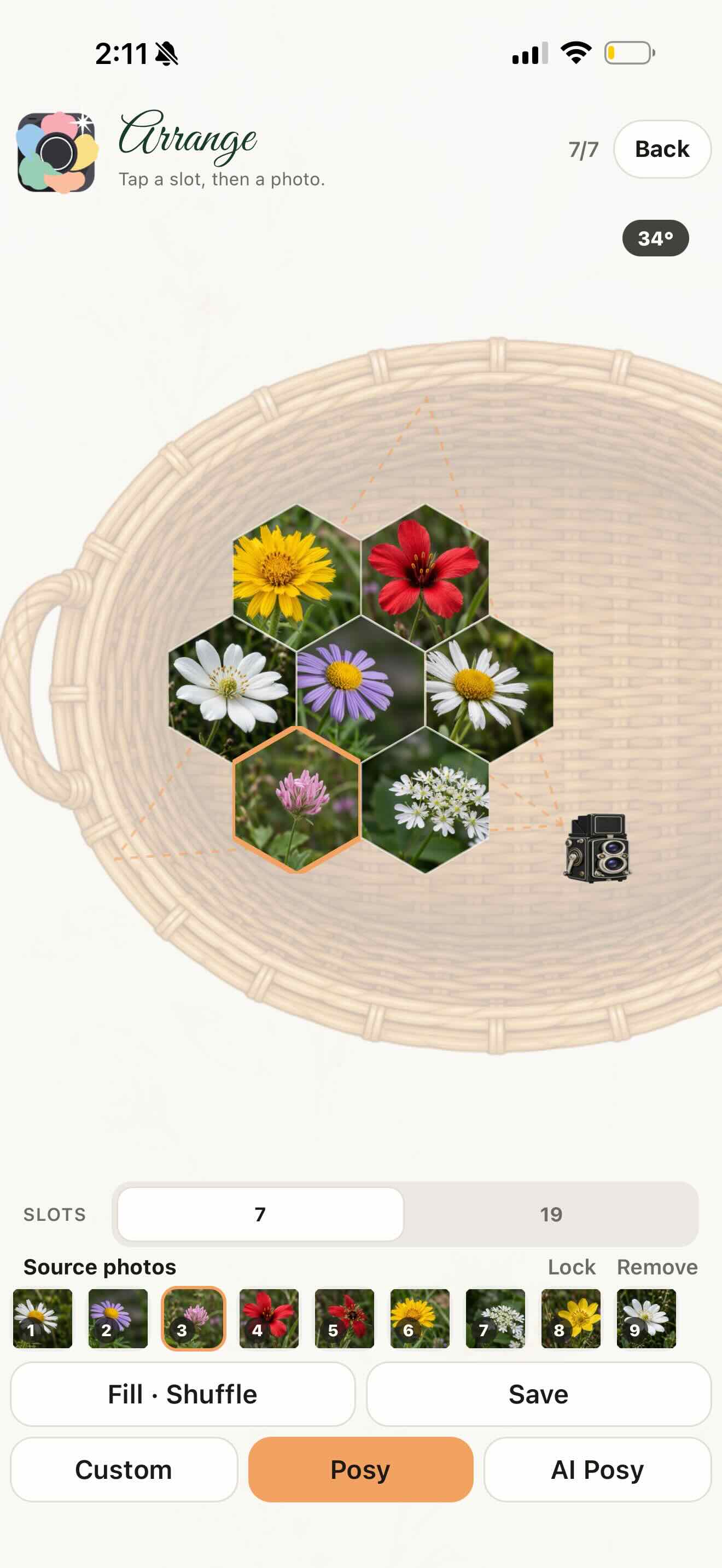
Arrange a posy
Tap a slot, then a photo.
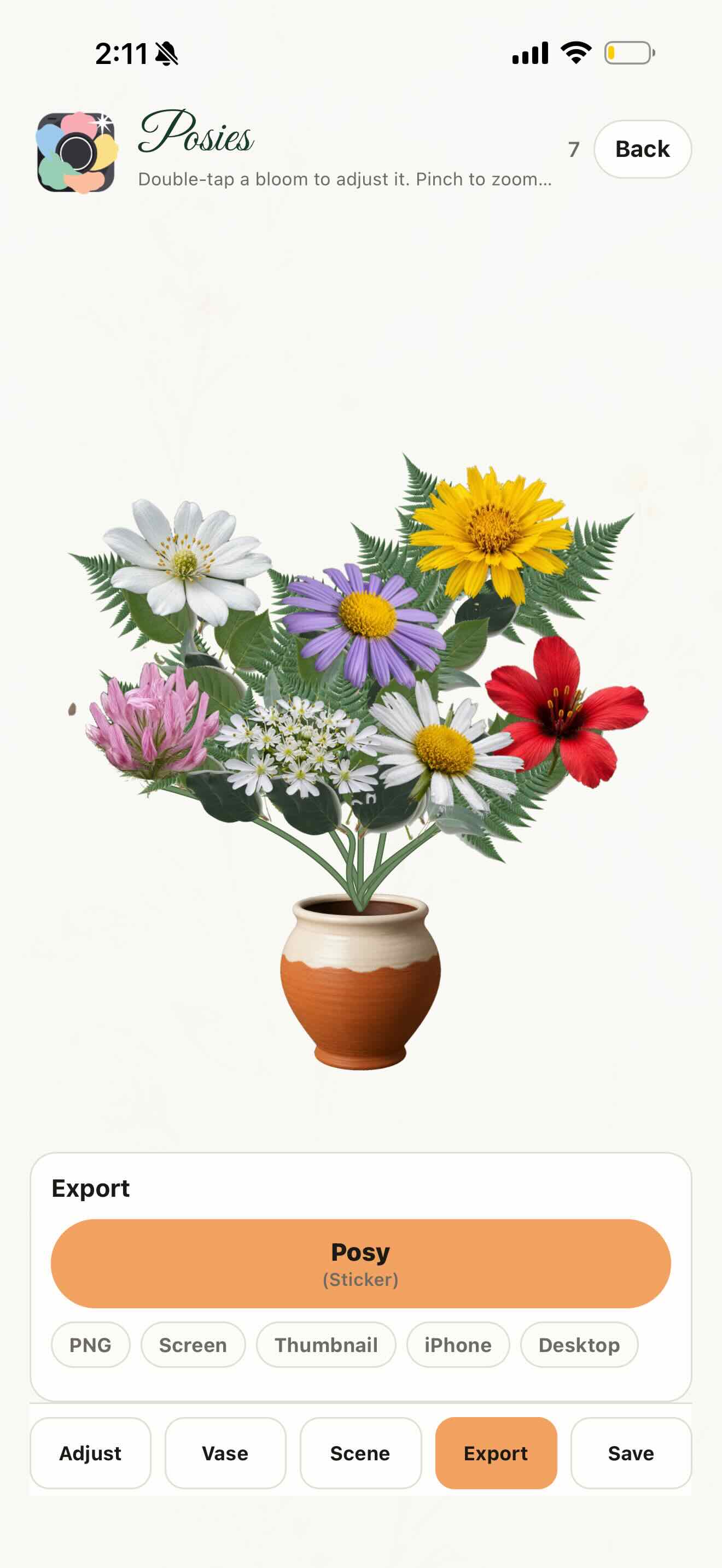
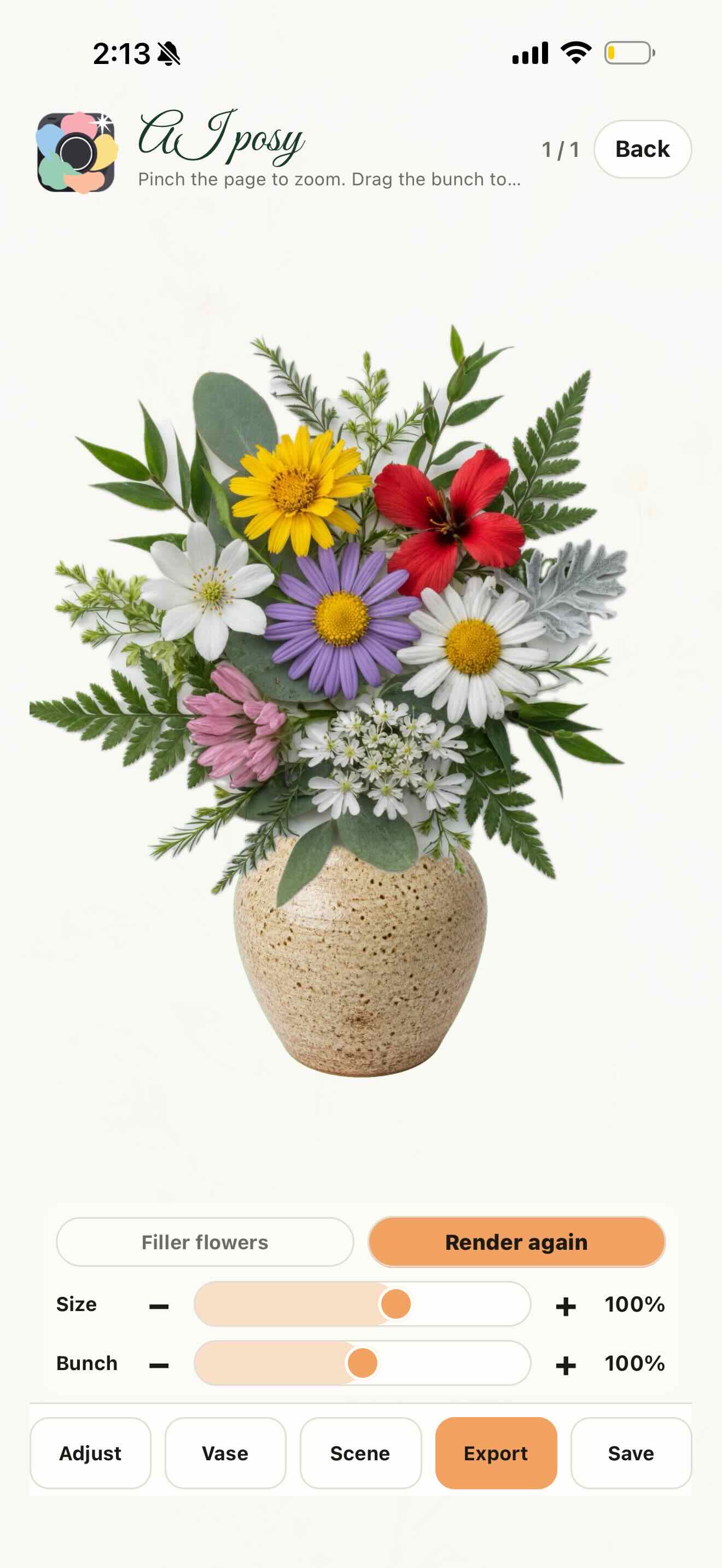
A finished posy
Blooms cut and seated in a vase.
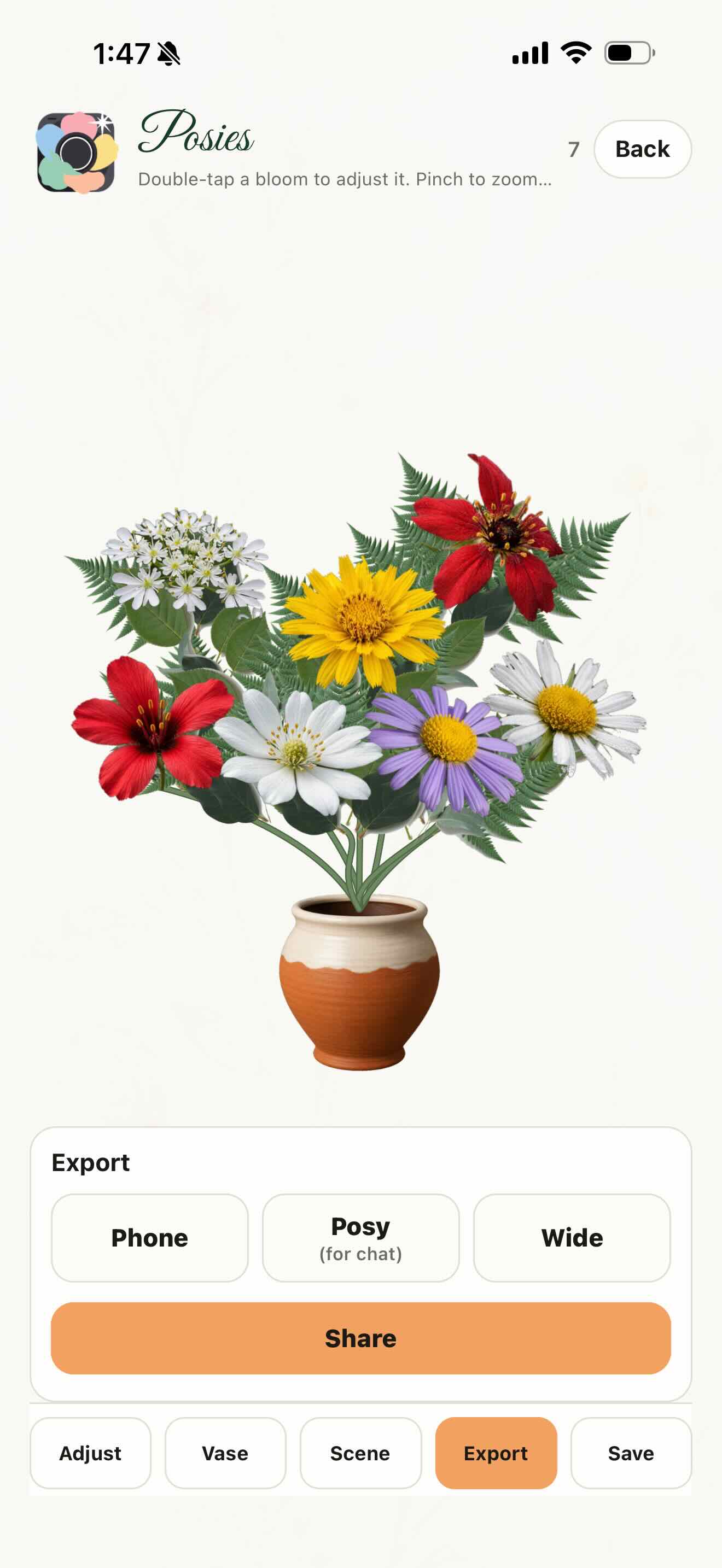
Export
Phone, Posy (for chat), or Wide.
Rosey Posy (AI)
Optional AI bouquet from your flowers.
Send it as a sticker
Drop the posy into chat.